Heritage+
A live-TV and catch-up app for the living room, with a programme guide, cloud recordings, and every loading and error state.
Overview
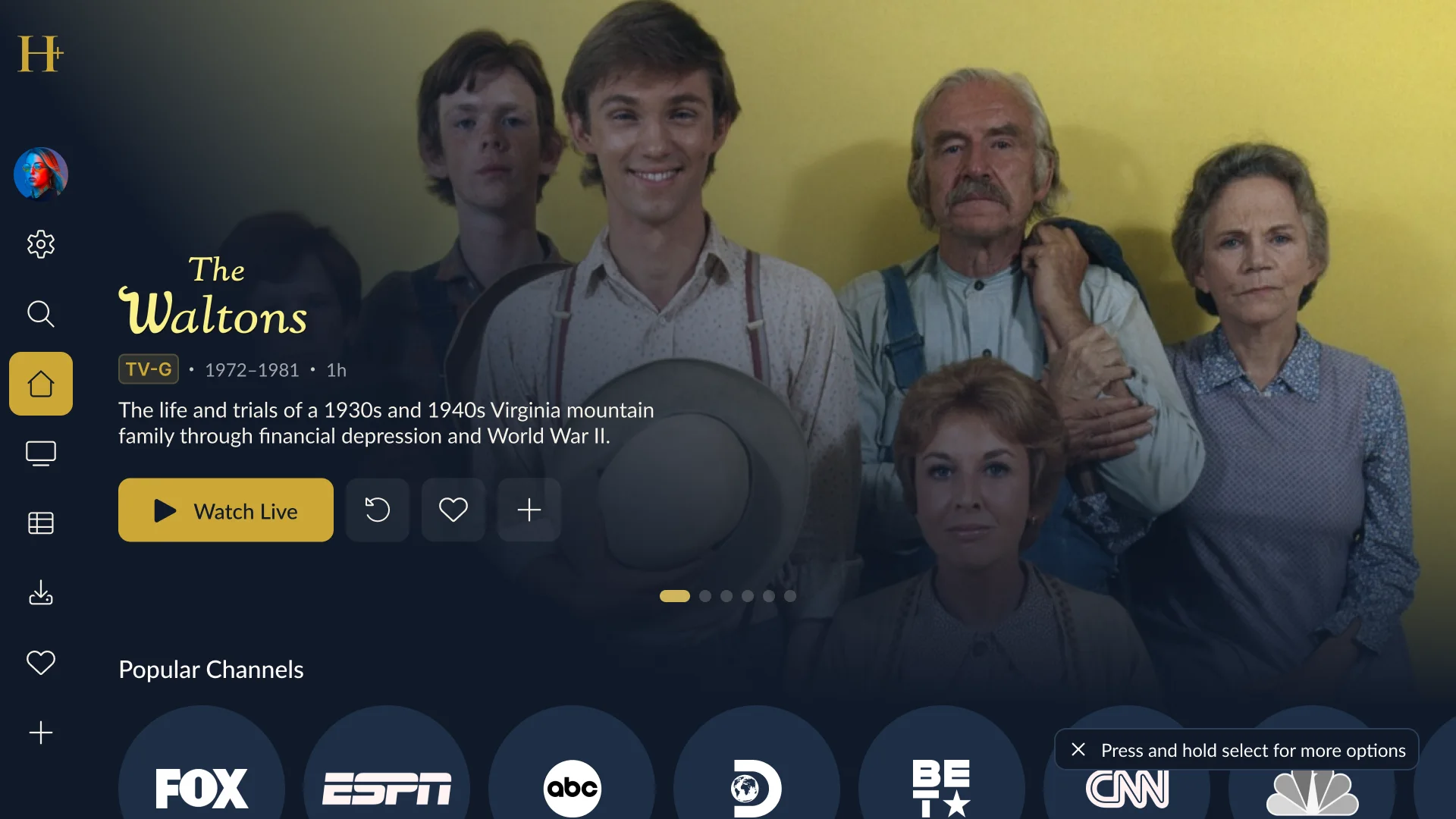
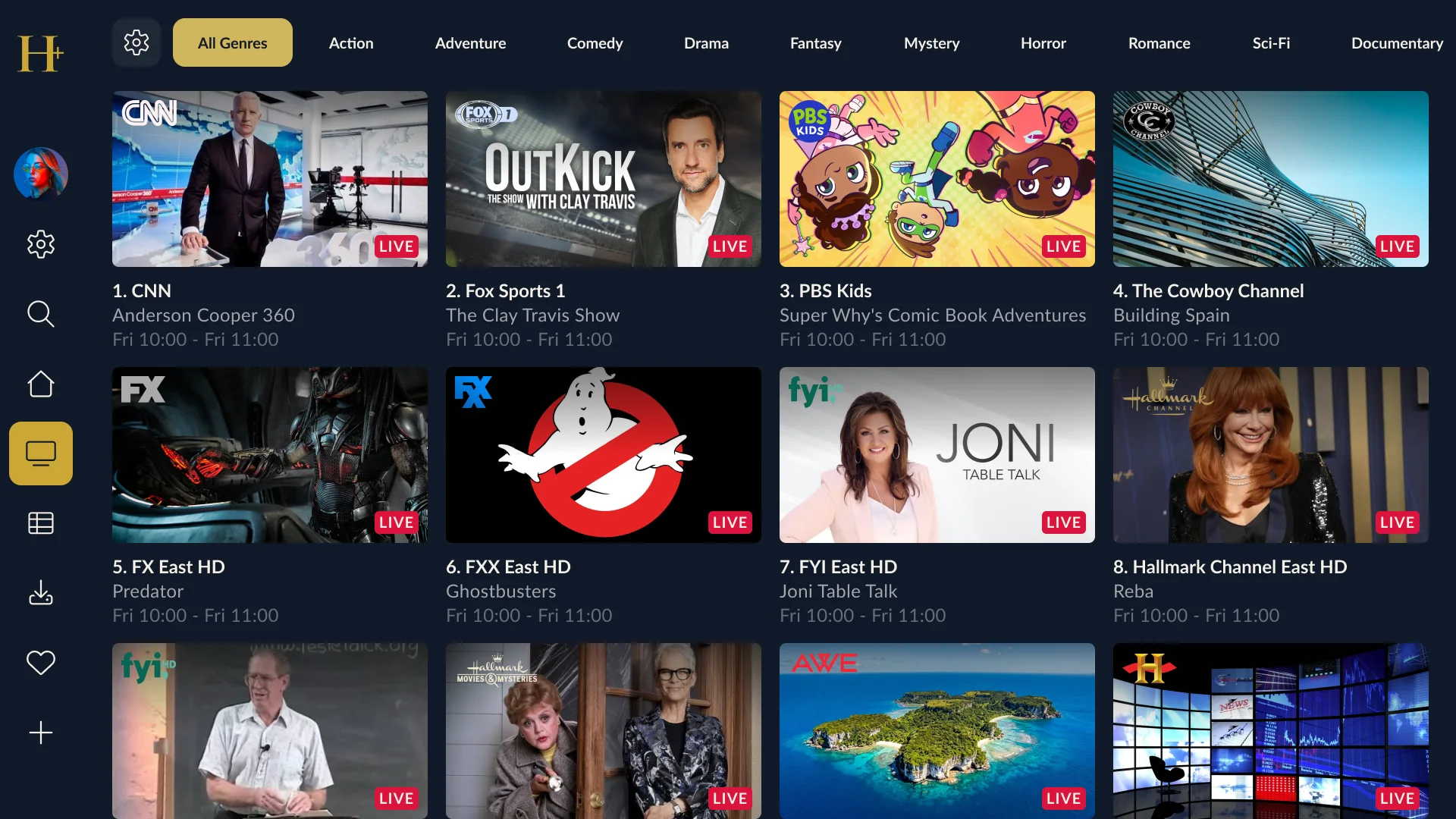
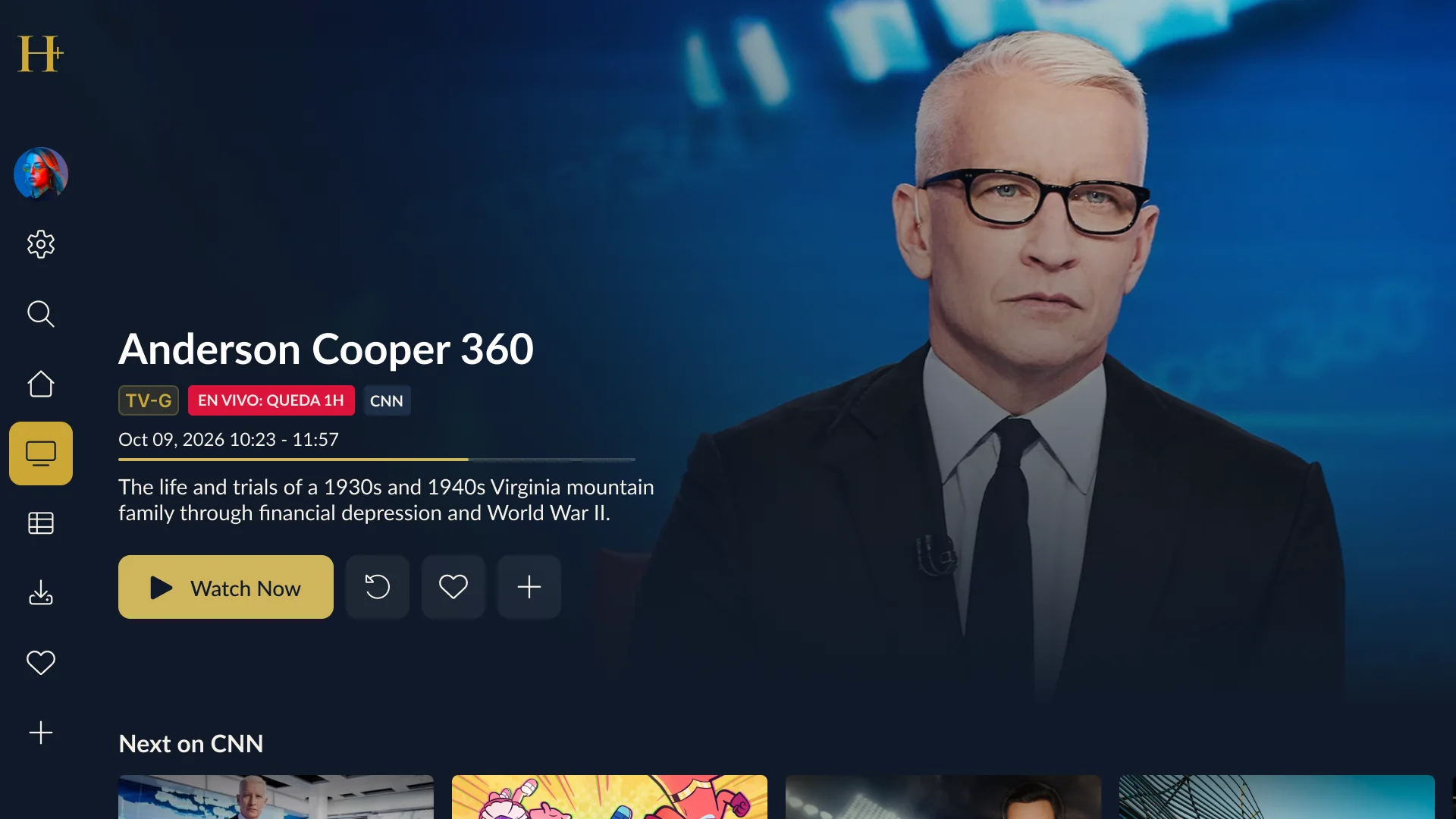
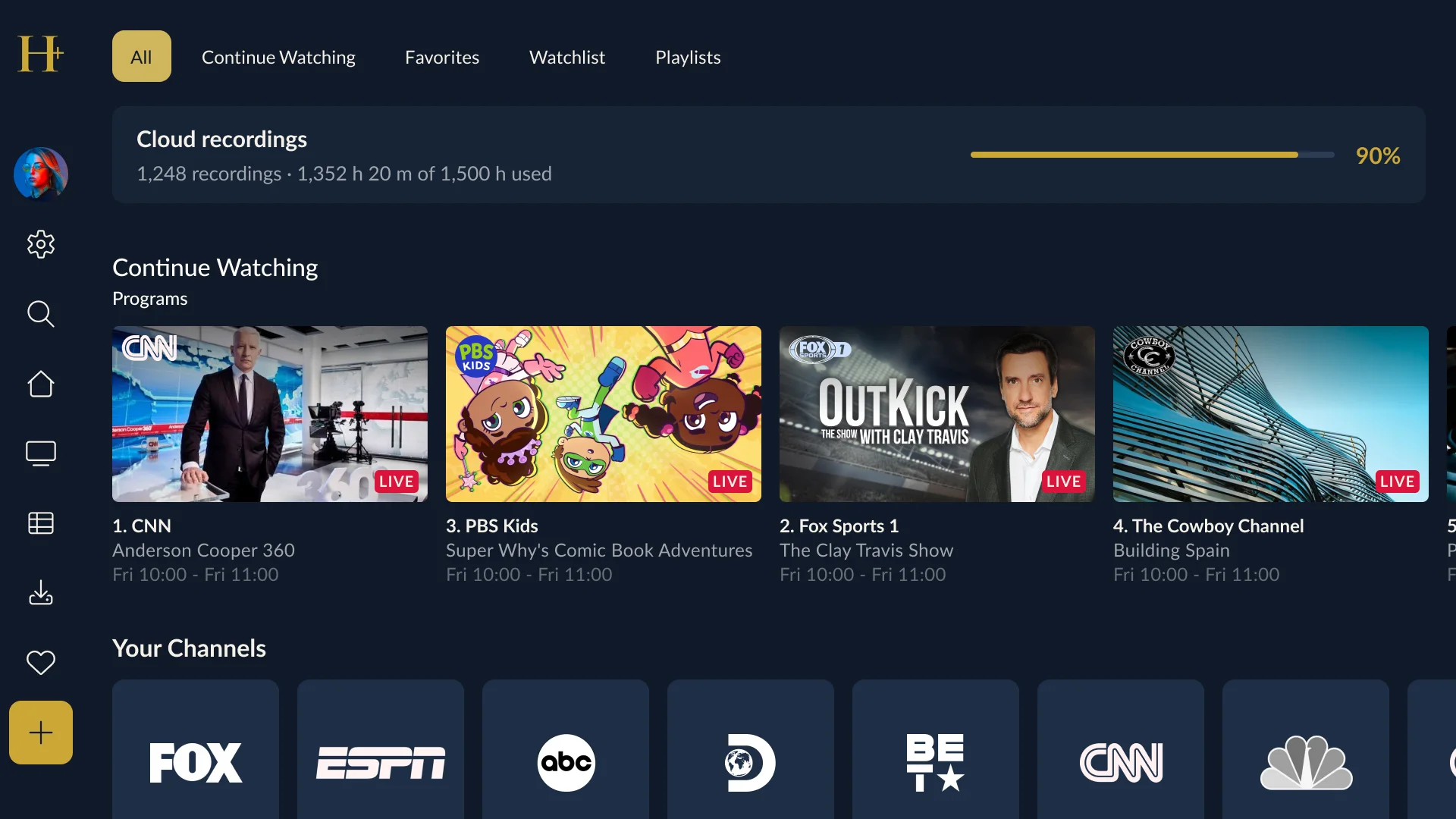
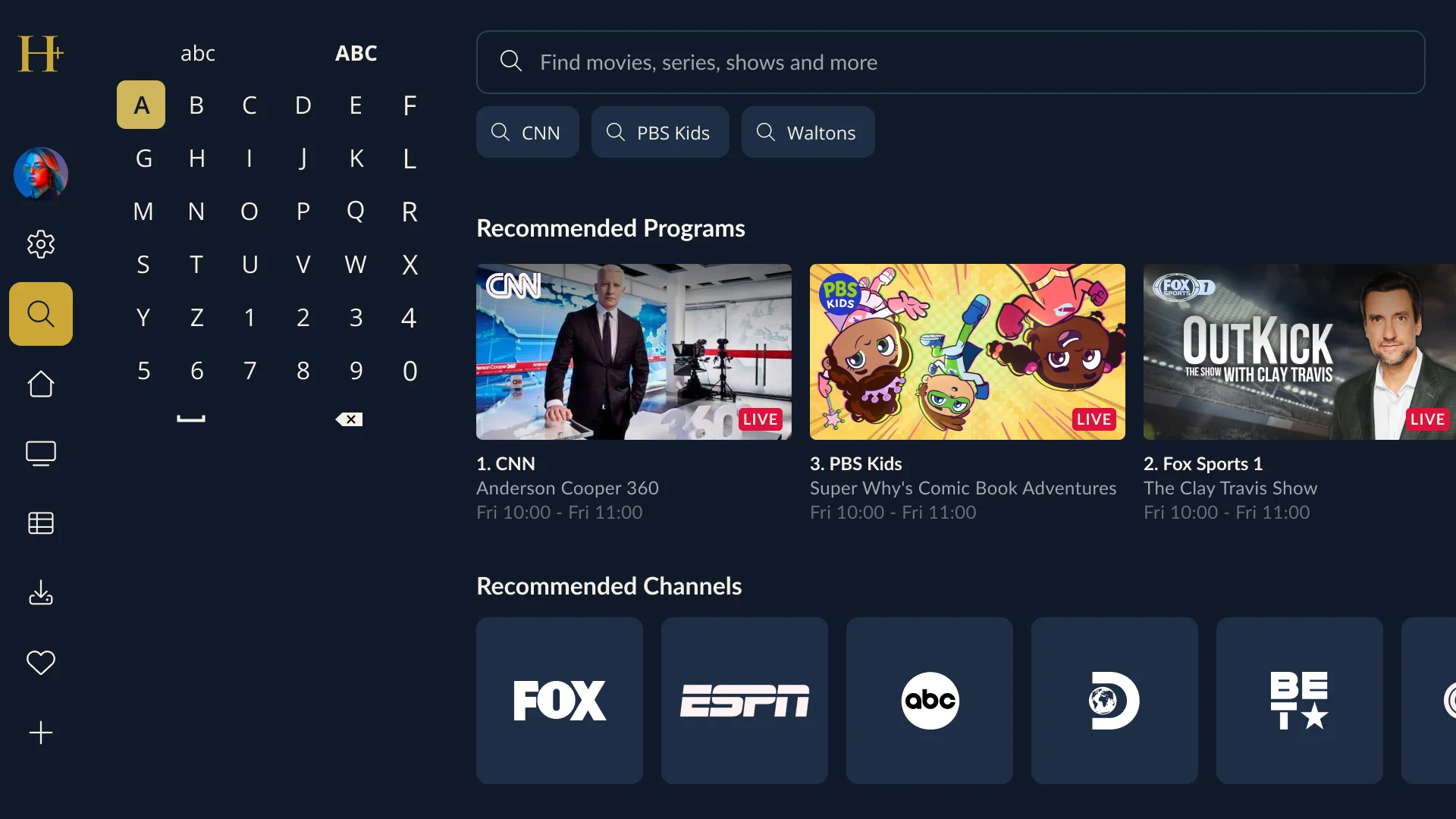
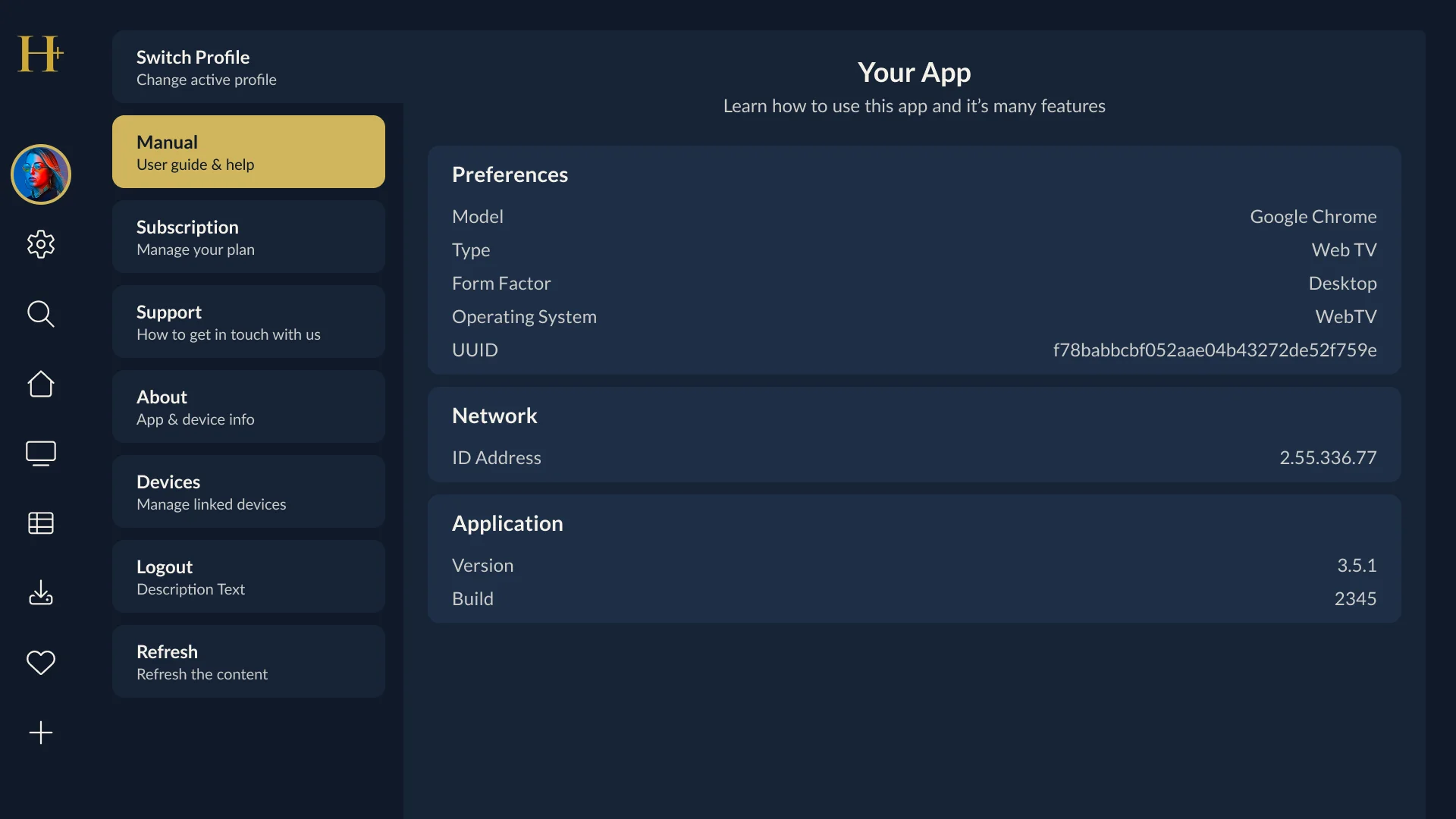
Heritage+ is a TV streaming app for live channels and catch-up, built on the MwareTV platform. The designs cover the full living-room experience: home, channels, the programme guide, programme details, the player and its channel list, the library with cloud recordings, search and settings.
My role
UX Designer. I designed the TV experience: how people move around the app with a remote, how each screen is structured, and what the app shows while it loads, fails or is missing content.
Design approach
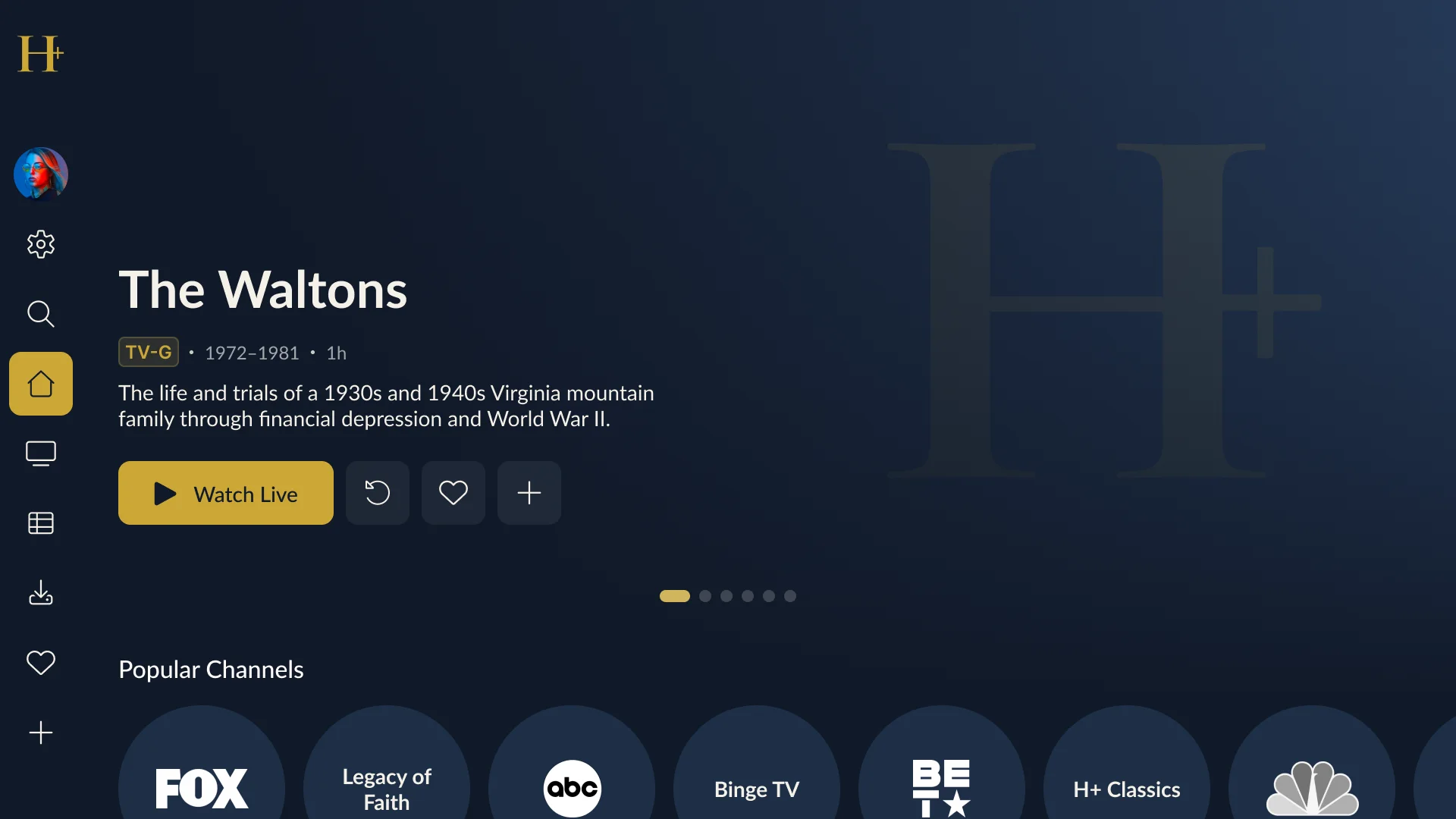
- One rail for every destination. A single left-hand menu holds home, live TV, the guide, recordings, favourites and settings. The focused item is a filled gold tile, so it can be read from across the room.
- Live first. The home hero’s main action is “Watch Live”, and channels appear as a rail of round logos straight underneath.
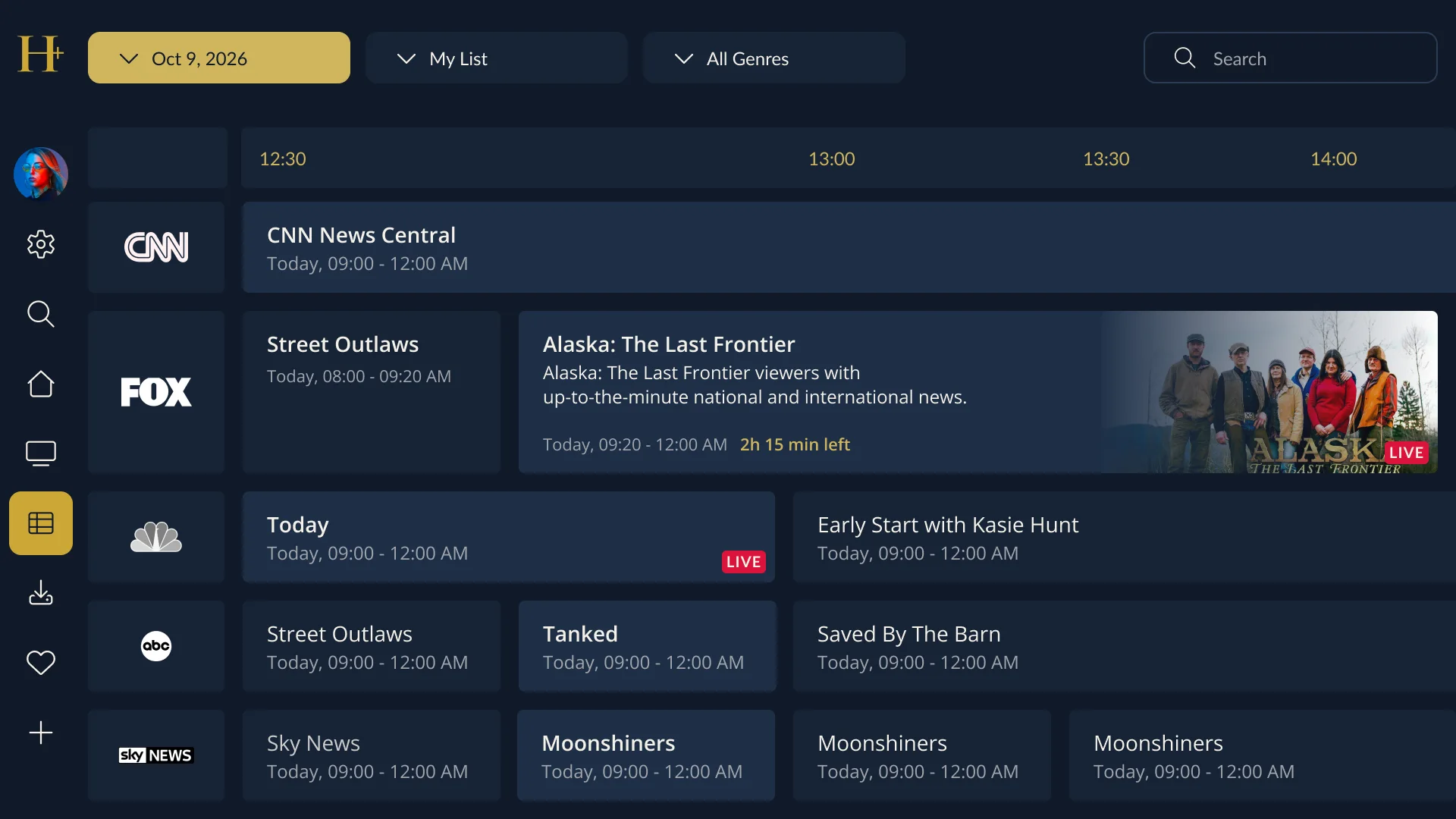
- A guide built for scanning. The programme guide filters by date, list and genre, and the programme on now stands out with its artwork and the time left.
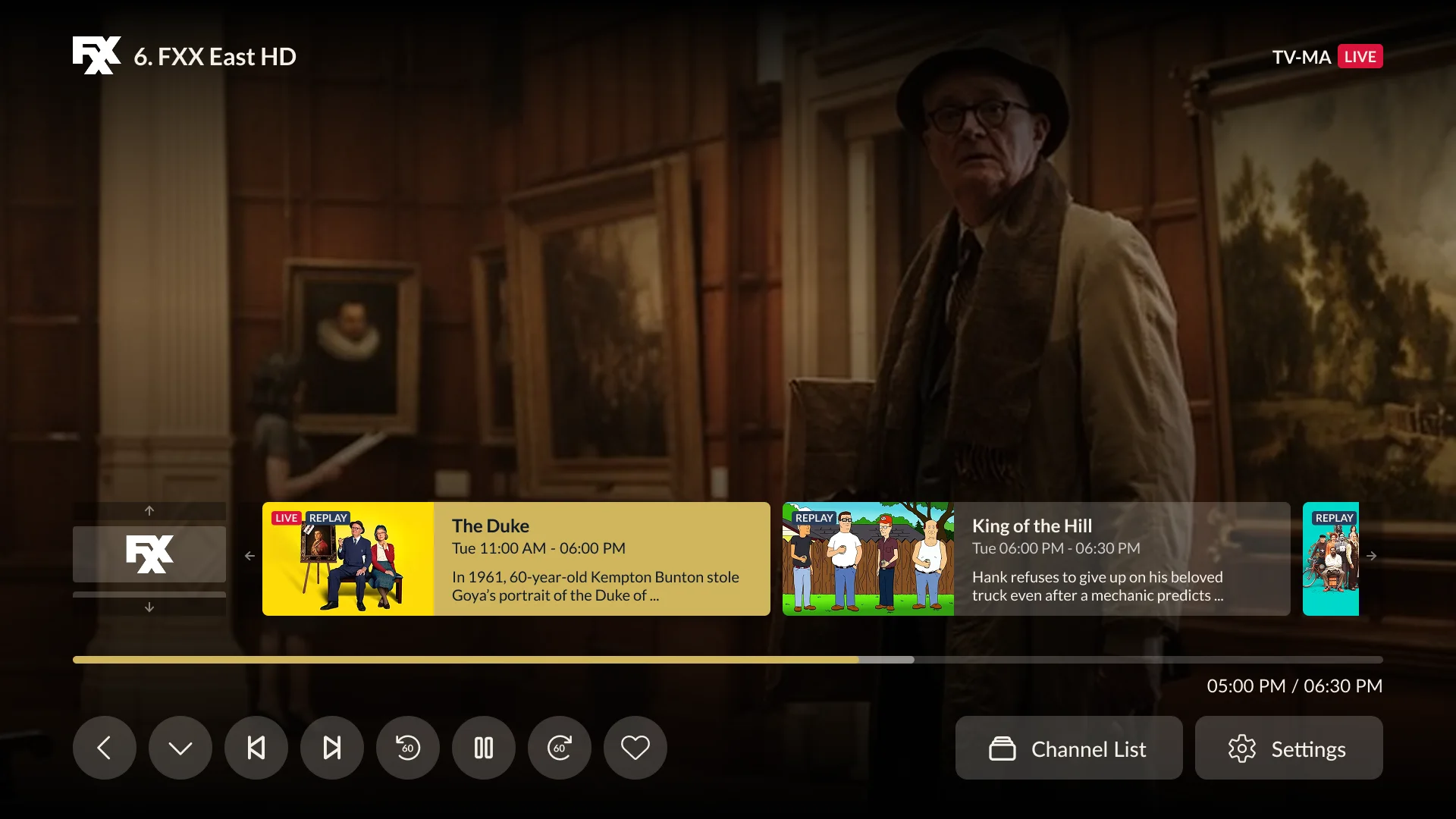
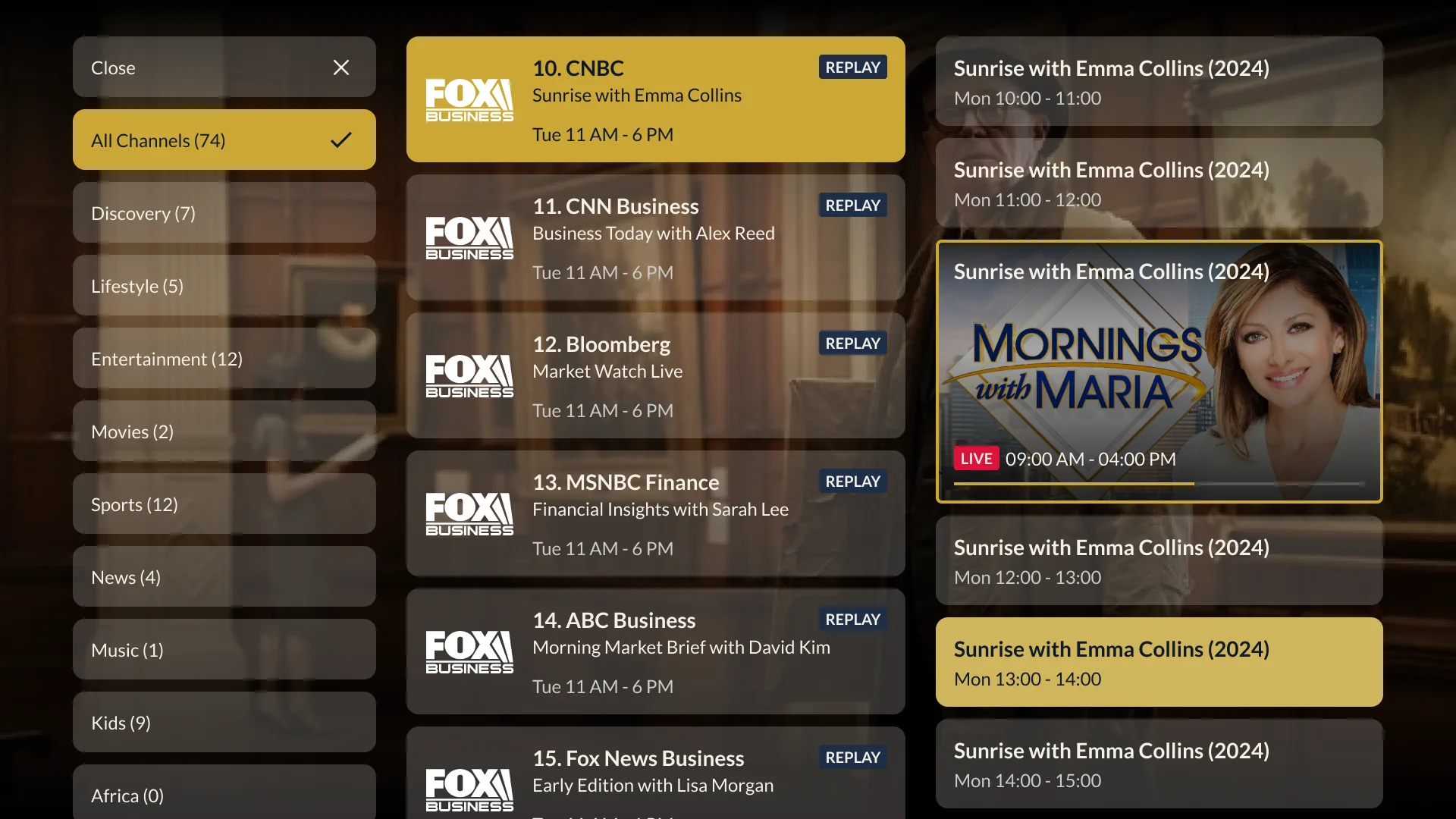
- Change channel without leaving playback. The player overlays a strip of upcoming programmes and a channel list grouped by category.
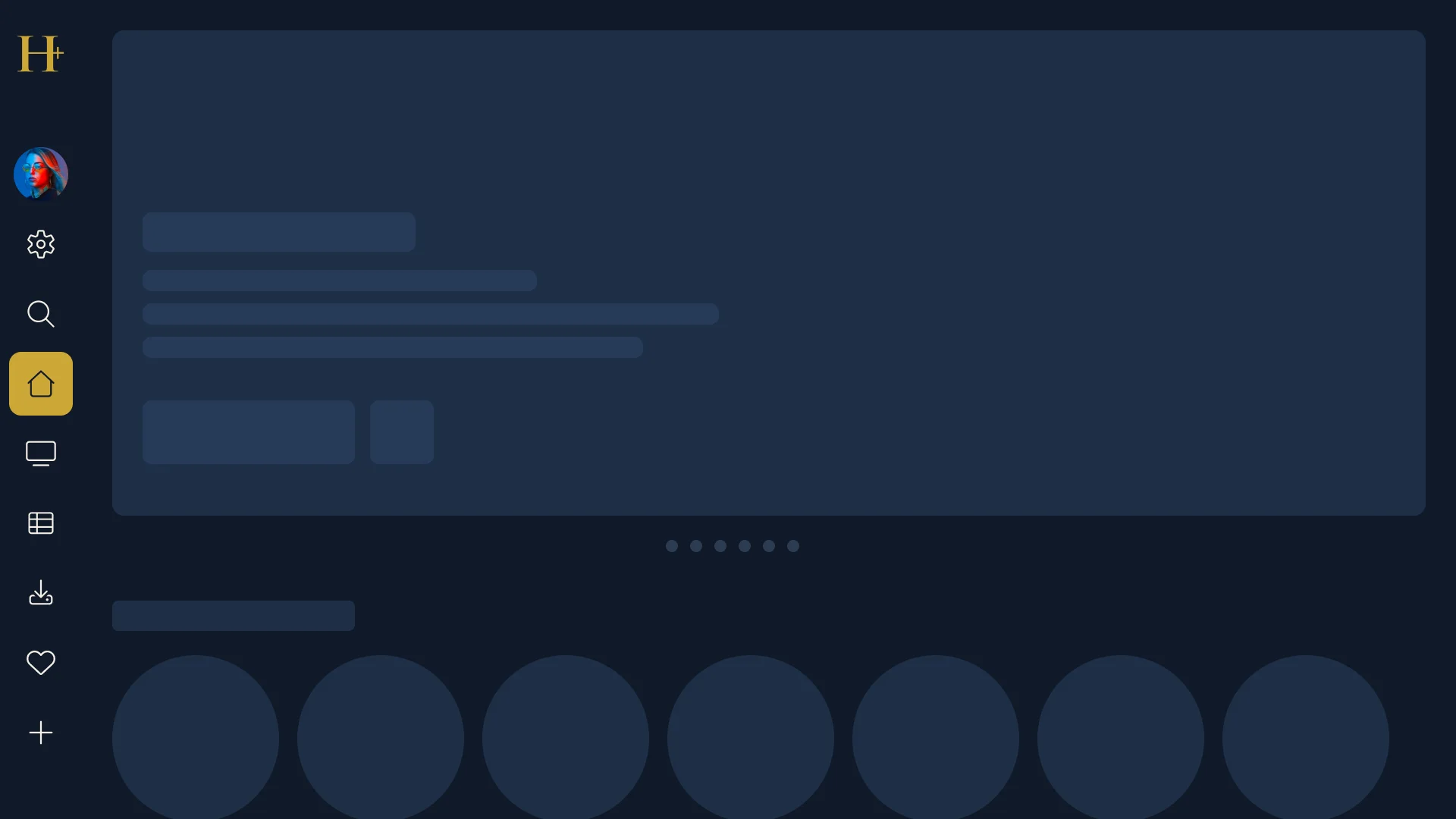
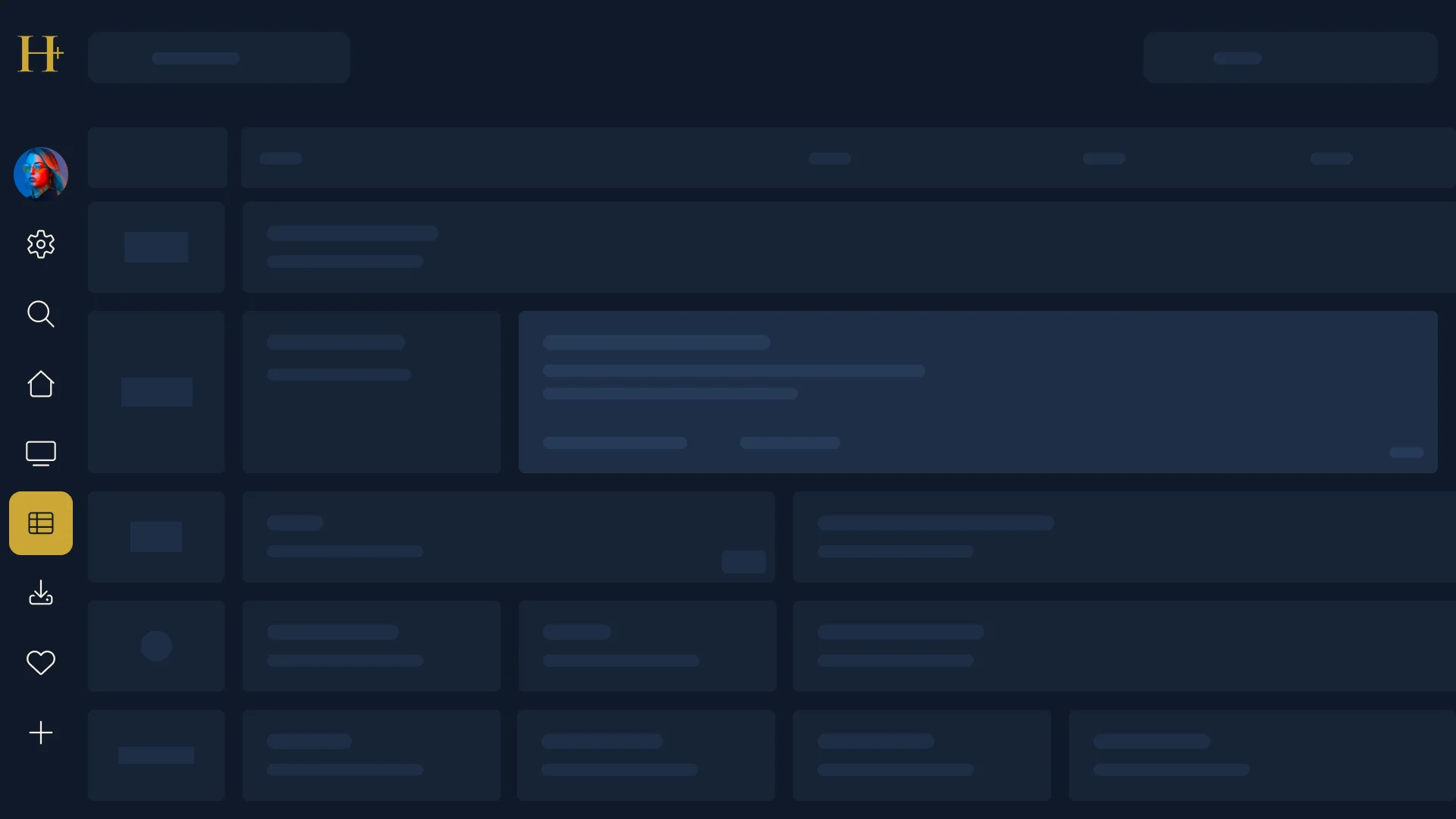
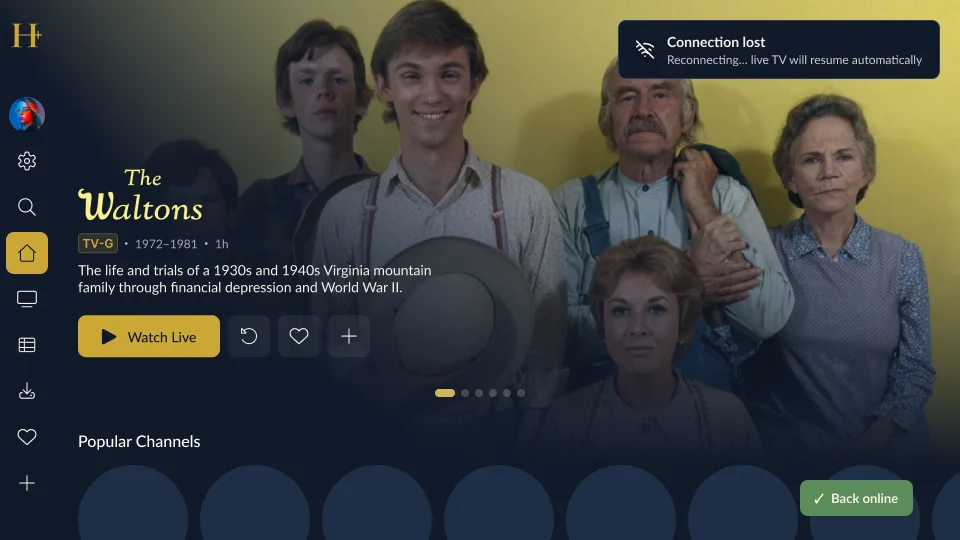
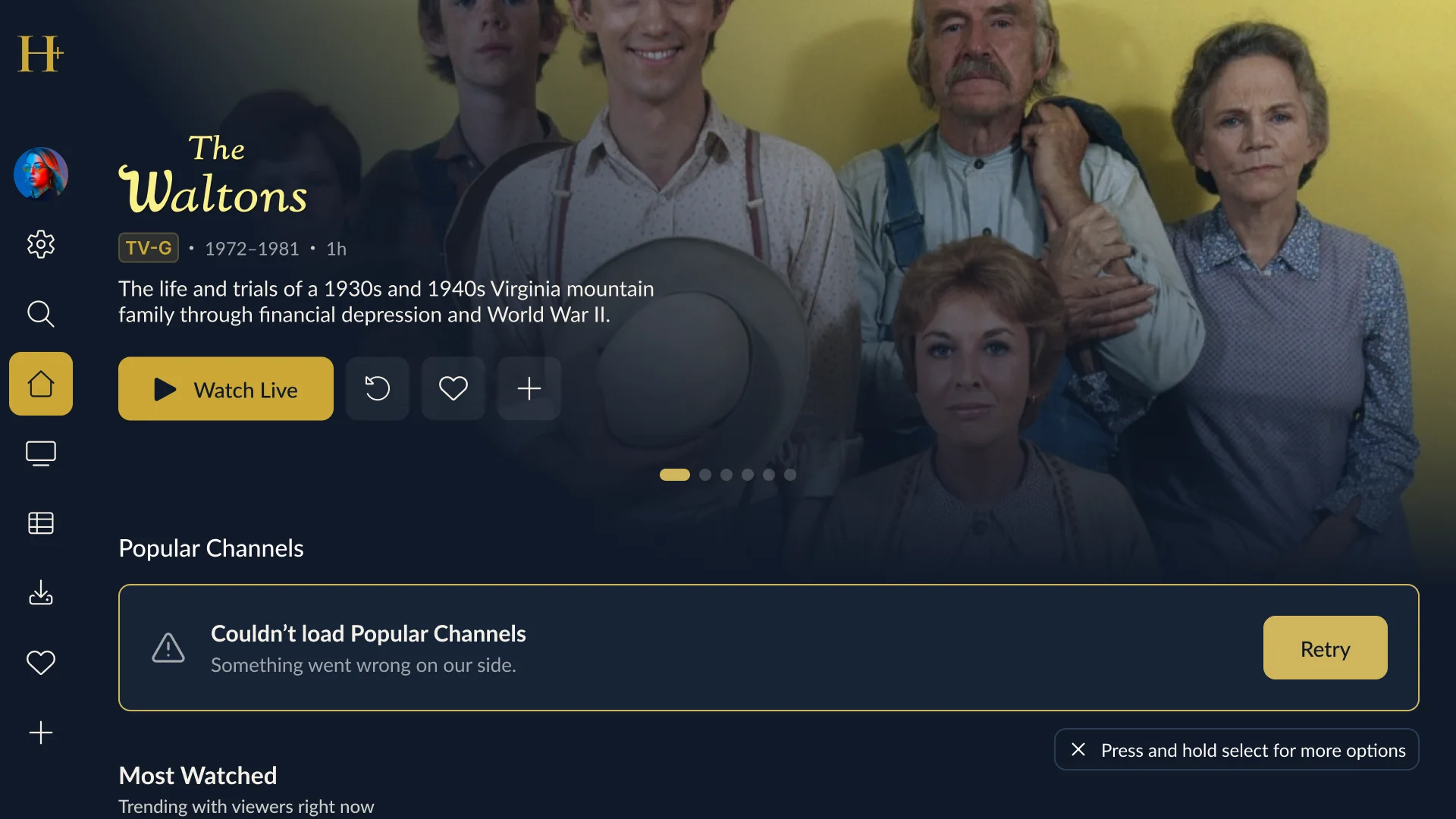
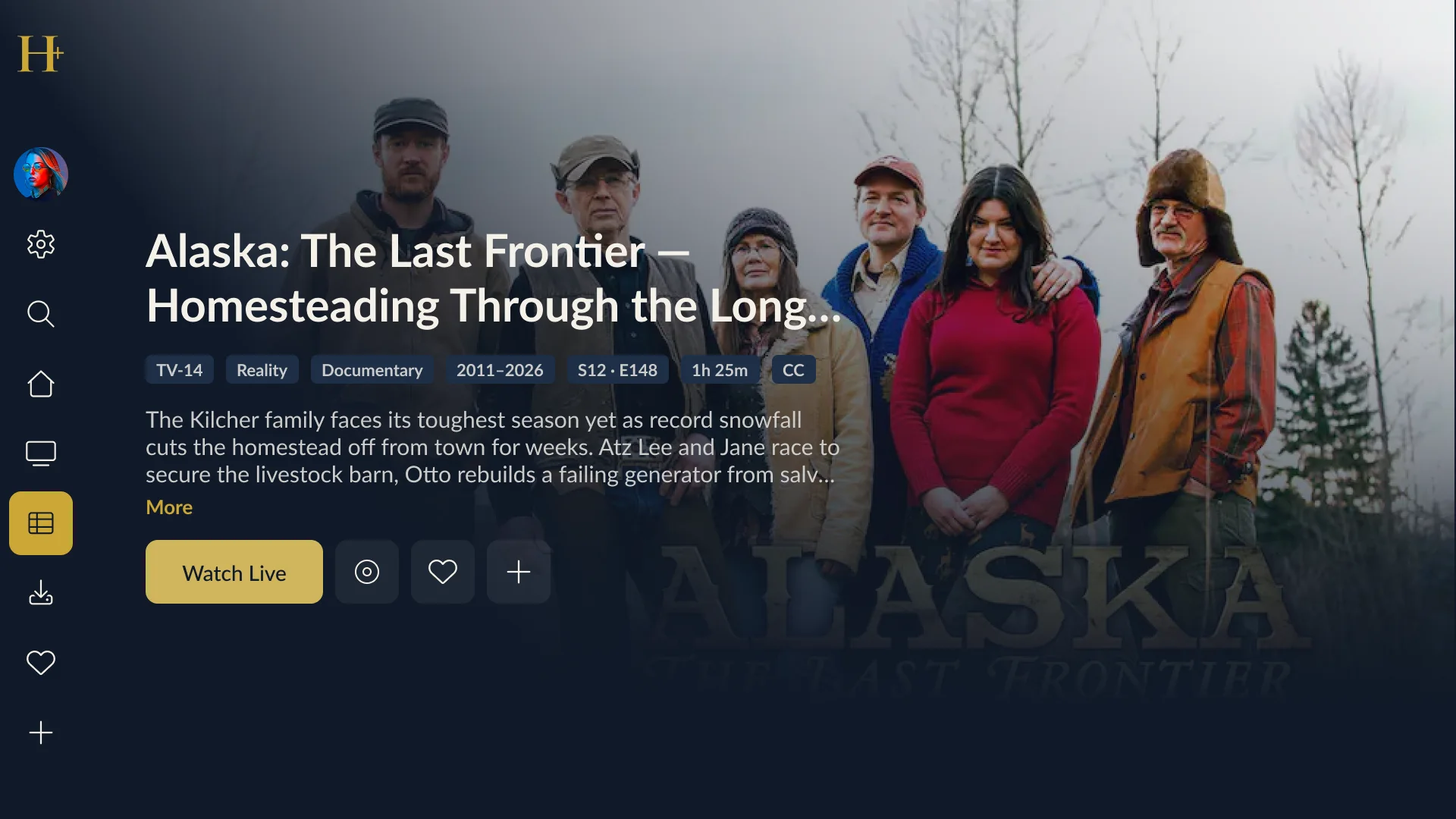
- States are designed, not left to chance. App loading, skeletons for home and the guide, a “connection lost / back online” banner, a rail that fails with a retry action, missing artwork, and very long titles each have their own screen.
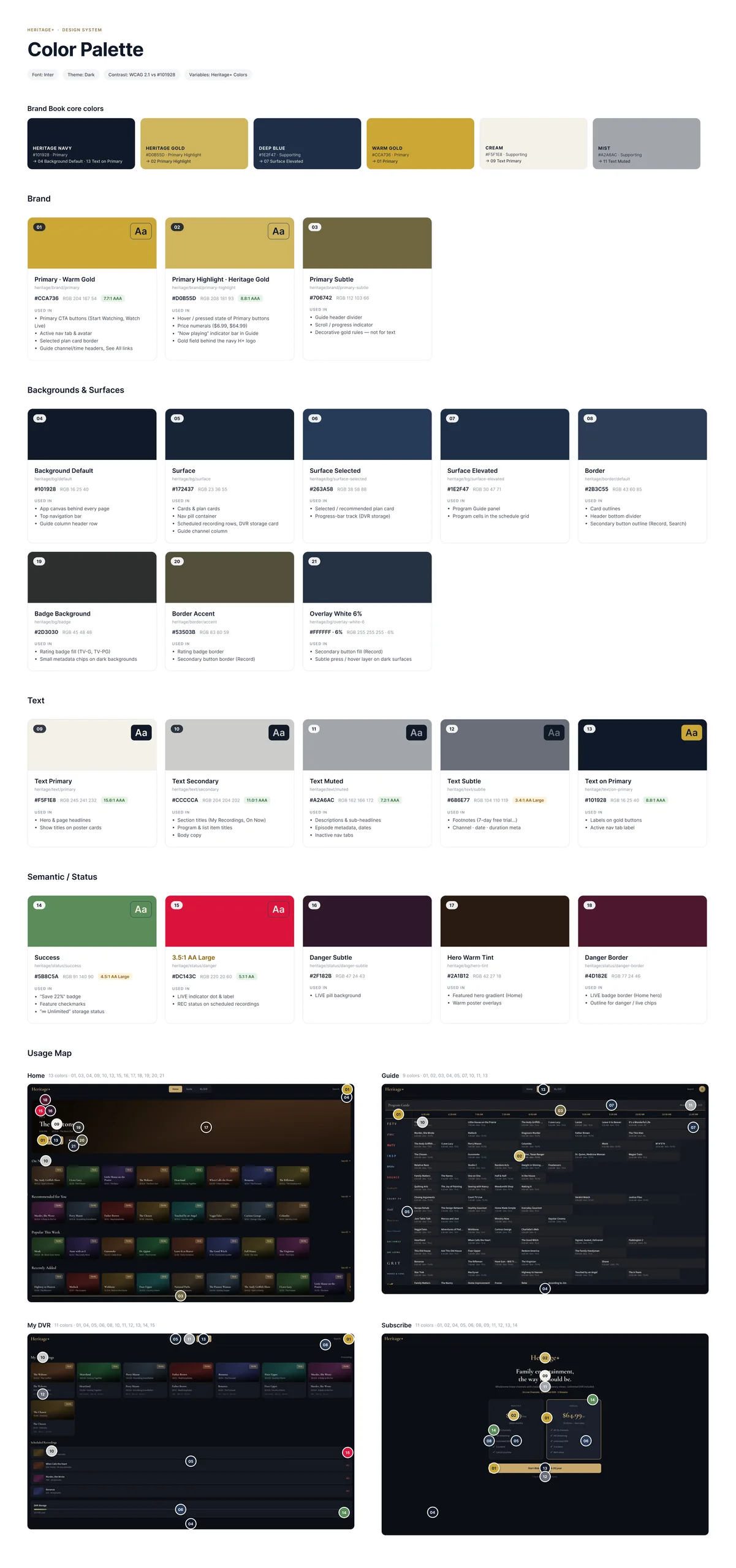
- A palette of its own. Navy grounds with a gold accent, defined in a colour palette for the app.
Key responsibilities
- Information architecture and navigation of the TV app
- Remote control and focus behaviour
- Programme guide, player overlays and channel list
- Loading, empty, offline and error states
- Colour palette and visual consistency across screens
Core screens
Style guide
States and edge cases